
The PGPx303 is a thin, ultra-long-life PowerG magnetic contact device that is compatible with Johnson Controls’ PowerG control panels.
The PGPx303 includes a built-in reed switch that opens when the magnet is removed from the contact. The device has the following features:
- Dealer lock down
- Two-factor authentication
- Two-way PowerG communication with the control panel
- Front cover and back cover tamper detection
- ignal strength LED indication during installation
- Periodic supervision message is transmitted automatically to the control panel at regular interval
- PowerG two-way frequency hopping spread spectrum time-division multiple access (FHSS-TDMA) technology
- Low battery indication
- Battery reporting
- Remote firmware upgrade
Enrolling the device
The following steps are relevant for IQ panels. For other panels, refer to the control panel installation manual for the complete set of enrollment instructions and testing procedures.
- From the Installation menu, select Devices > Security Sensors > Auto Learn Sensor to add a new device.
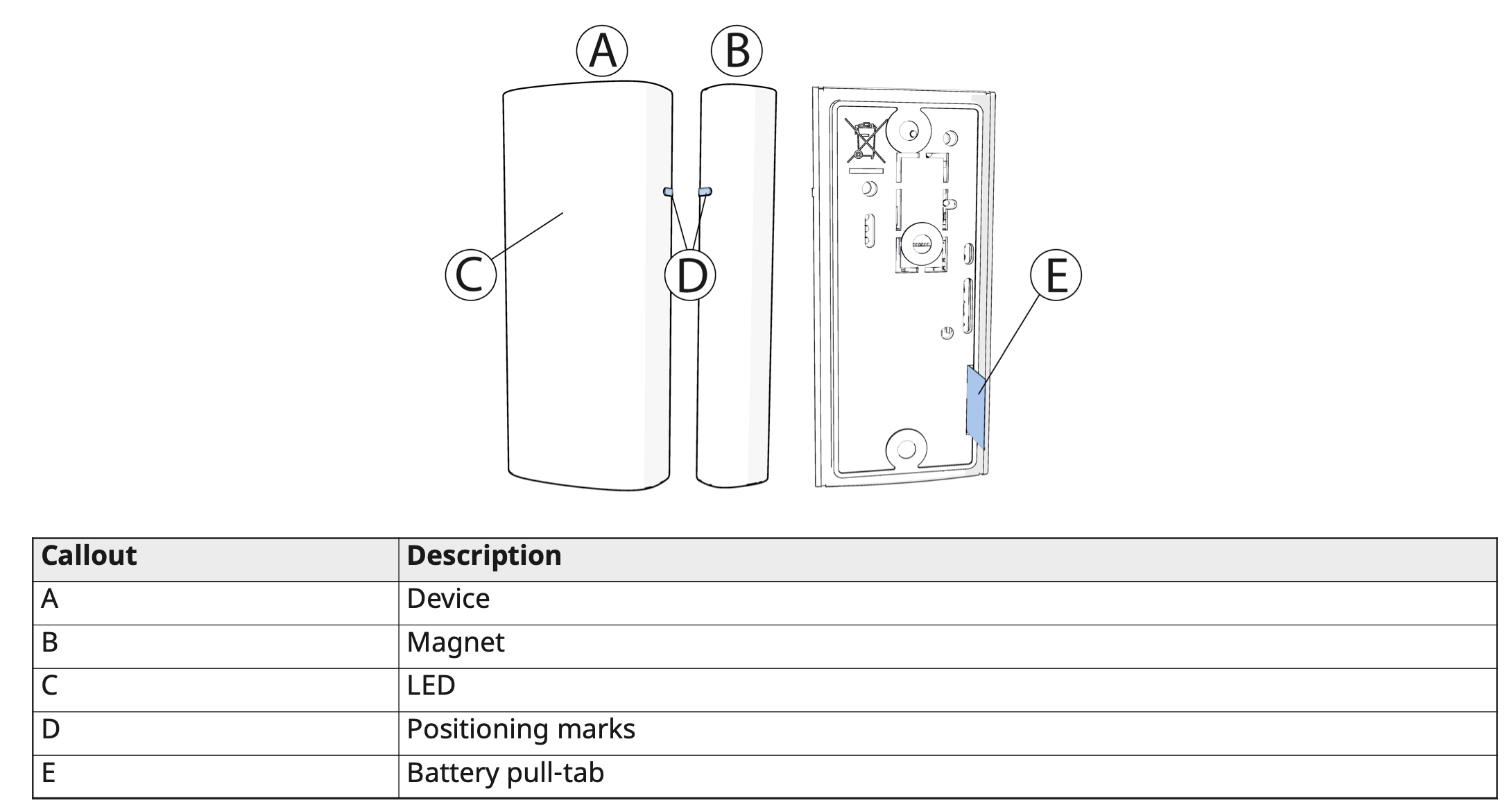
- Remove the battery pull-tab to power on the device and begin the auto-enrollment process. If the battery pull-tab is not available or if the device does not automatically enroll, open the device cover to trigger the enrollment.
- If requested, enter the PIN code printed on the device label.
- Scan the QR Code on the device box, using the IQ4 camera or IQ installer if available, or manually enter the device ID, printed on the product label, in the format 103-XXXX.
The PGPx303 is enrolled with device ID 103-XXXX. In fall back mode it enrolls as PGx303 with device ID 109-XXXX.
- Select the desired zone.
- Configure any device parameters that are required.
- Mount and test the device.
Configuring the device parameters
Enter the DEVICE SETTINGS menu and select the required configuration as described in the following table.
