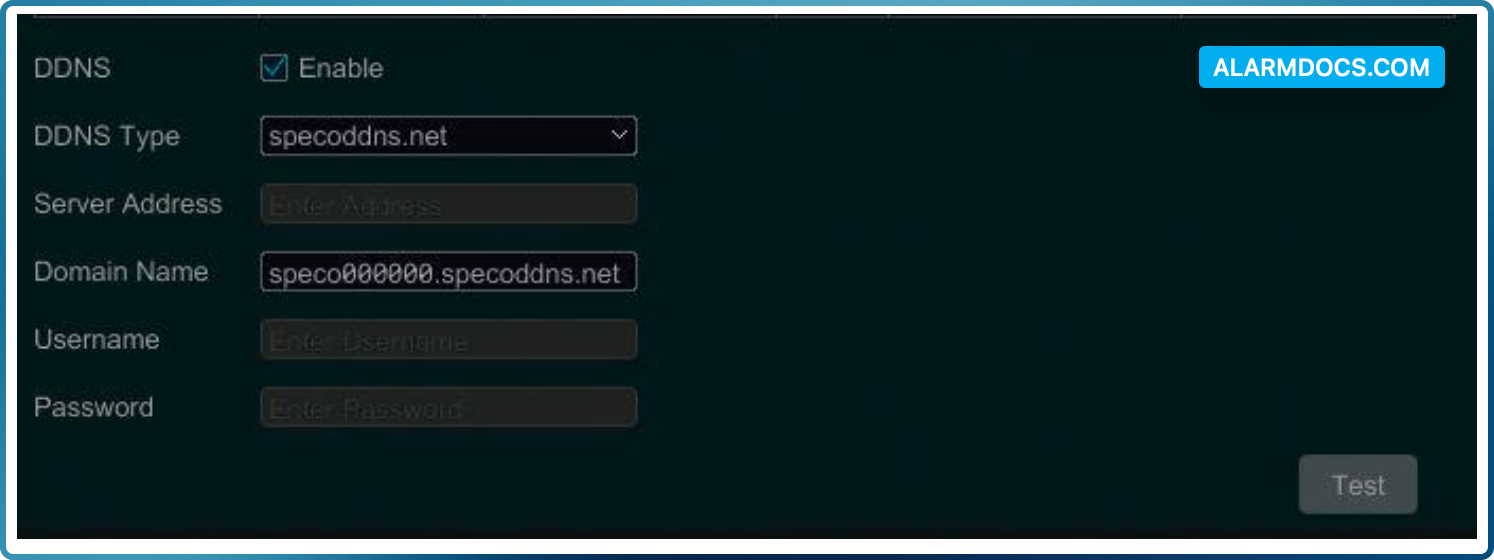
The DDNS is used to control the dynamic IP address through domain name. Speco Technologies provides free DDNS service with US-based servers. You can access to the NVR easily if the DDNS is enabled and configured. Click Start > Settings > Network > DDNS to go to the interface as shown below.
The default DDNS type will be “specoddns.net”. The default domain name will be shown. You can use this for your domain name or input your own. If invalid or taken, please select another domain name. Click on test to check if ok. If so, you may now go to [your domain name].specoddns.net with Internet Explorer and access your recorder remotely.