Alarm Docs
  • Submit Article
  • Contact Us
  • About Us
  1. Home
  2. Surveillance
  3. Speco N64NR: Check firmware version
Searching...

Other Articles

  • Program CID format on a PC4020
  • Program a module on a Fire-Lite ES-200X
  • Program DSC PC5010 to use Contact ID
  • IQ5: Firmware Updates
  • IQ INSTALLER
  • DMP: 860 relay module
  • 711: Zone Expansion Module
  • GEMC-EZM8 – Installation Instructions
  • PG-WLSHW: Wiring a fire zone
  • EVD-2 wiring with 2 additional EVD-R
  • Vista: How to enable Contact ID
  • DMP: How to program static IP
  • ADC: Internet connection type compatibility
  • StarLink SLE-LTE: Wiring diagram
  • StarLink SLE-LTE: Terminal Descriptions
  • PowerSeries Neo: Change entry delay
  • Vista: How to program house code
  • How to address 6160 keypad on Vista 21
  • 1100DH: Installation Guide
  • OPTEX Beams: Master/slave selector switch setting
  • Lynx: Summary of connections
  • PROTAKEOVER: Setup guide
  • PGP922: Installation Guide
  • Qolsys IQ4: How to disable the panel camera
  • Qolsys IQ4: How to disable the panel tamper

Speco N64NR: Check firmware version

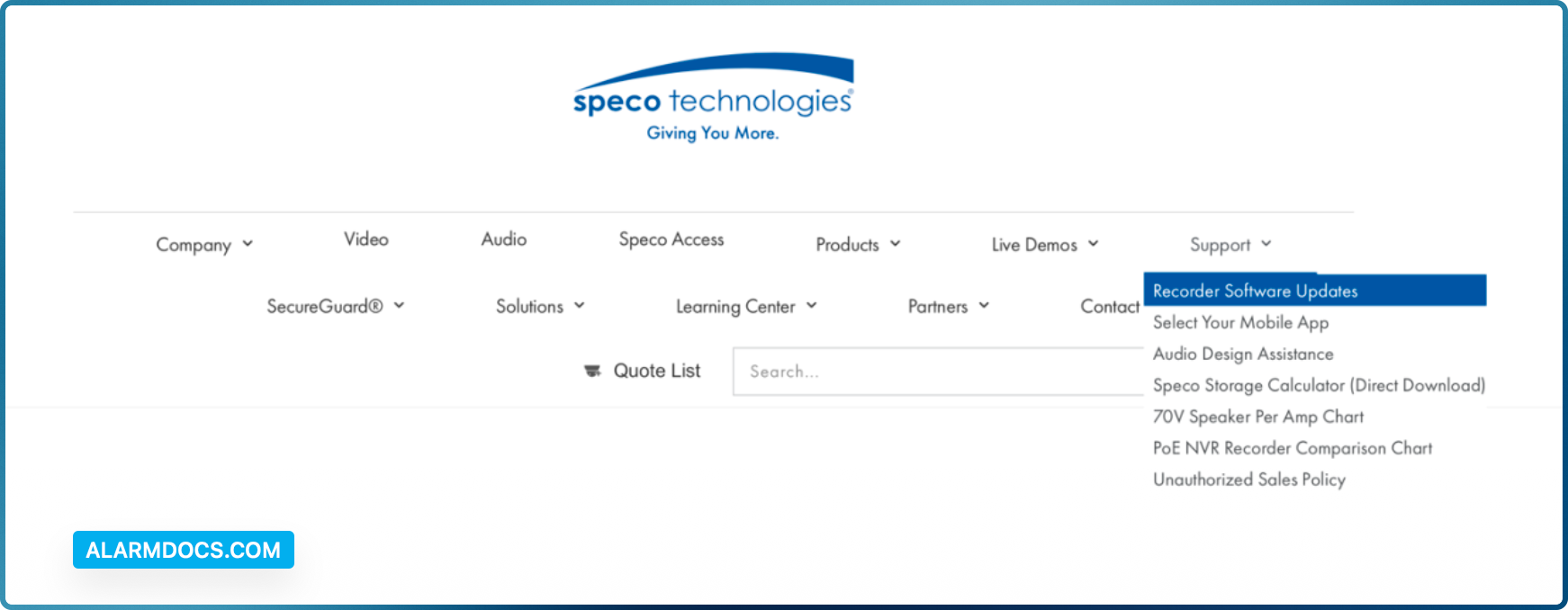
You can click Start→Settings→System→Information→Basic go to “About this machine” and click on “view”. You will then be able to see the firmware version number and build date. Now go to www.specotech.com, then click on Support, then Recorder Software updates and follow the prompts until you find the model of your recorder. Then compare the release date of the firmware on the website with the recorder’s firmware build date.
Tagged: checkfirmwaren64nr
Was this article helpful?
Yes No
© Copyright 2026 - AlarmDocs.Com