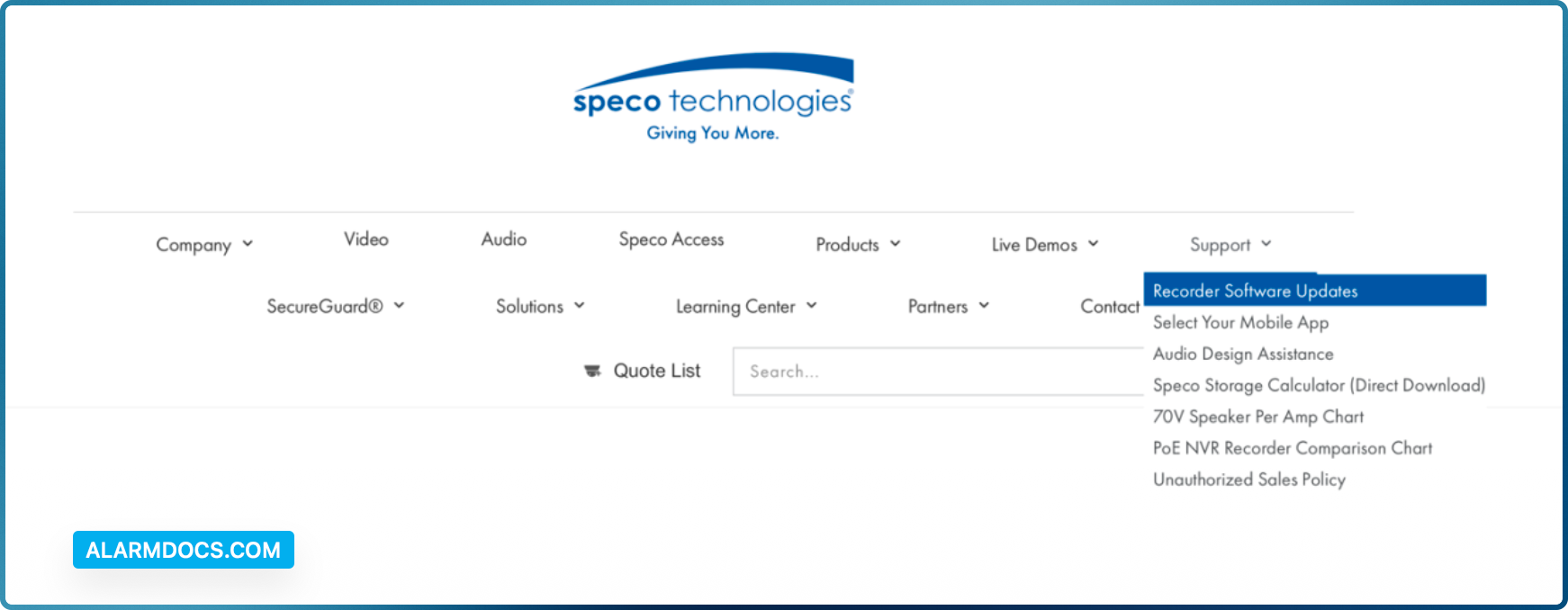
You can click Start→Settings→System→Information→Basic go to “About this machine” and click on “view”. You will then be able to see the firmware version number and build date. Now go to www.specotech.com, then click on Support, then Recorder Software updates and follow the prompts until you find the model of your recorder. Then compare the release date of the firmware on the website with the recorder’s firmware build date.