
Click Start > Settings > Record > Advanced to go to the following interface. Enable or disable cycle record (cycle record: the earliest record data will be replaced by the latest when the disks are full). Choose the record stream. Set the pre-alarm record time, post-alarm record time and expiration time of each camera and then click “Apply” to save the settings.
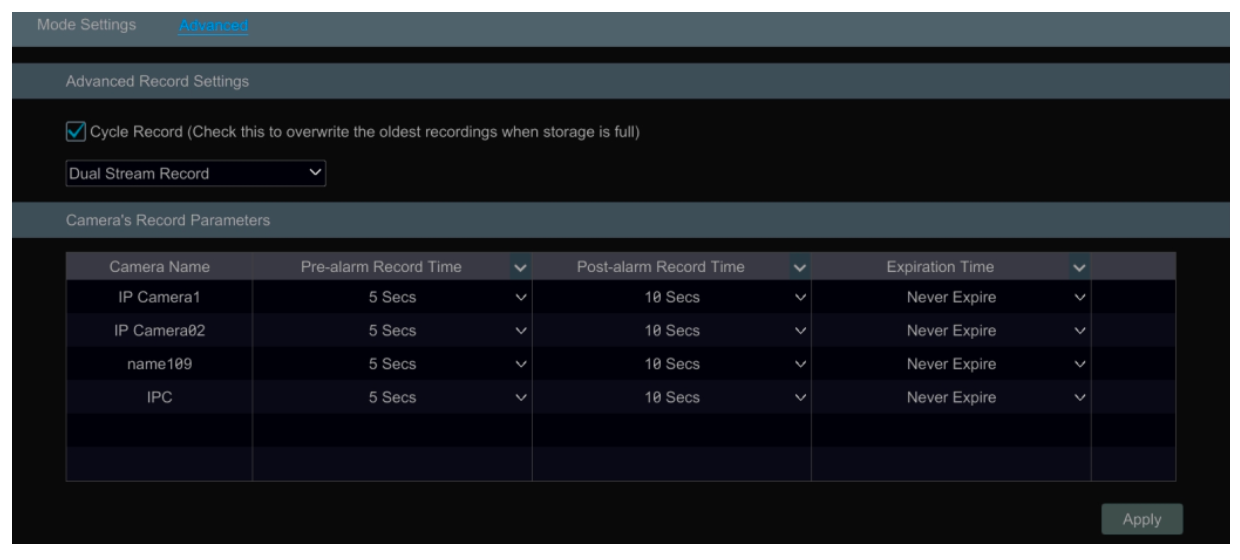
Pre-alarm Record Time: set the time to record before the actual recording begins.
Post-alarm Record Time: set the time to record after the actual recording is finished.
Expiration Time: set the expiration time for recorded video. If the set date is overdue, the recorded data will be deleted automatically.